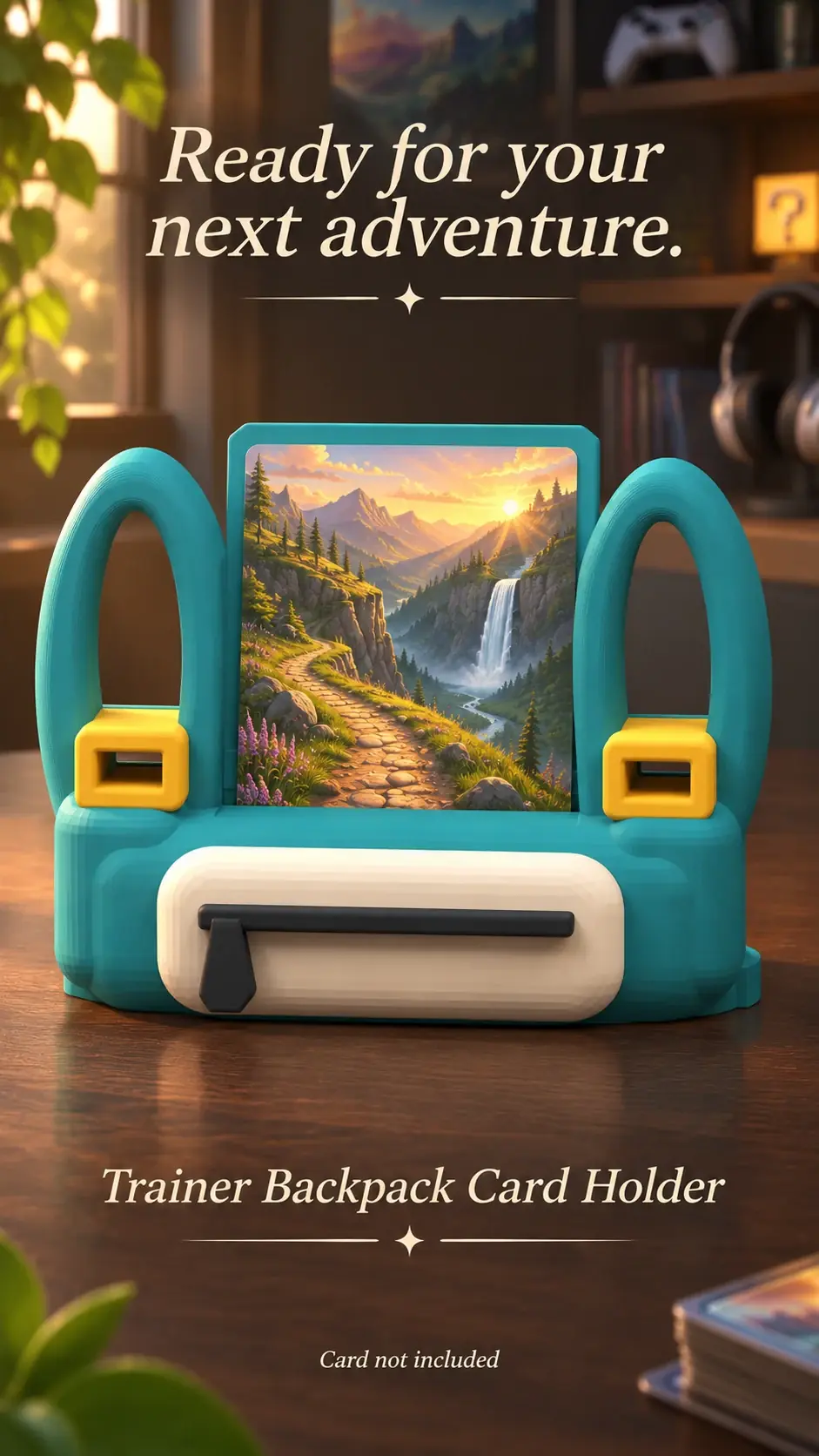
A card beside a monitor can personalize a workspace, but the desk has to remain functional. Check the setup while using the computer, not only when the desk is empty.
Keep the work area clear
Set the holder outside the mouse path and away from cables that might catch its base. Leave room to reach controls and clean the desk.
Respect device airflow
Do not cover monitor or computer vents or position a display where warm exhaust blows directly onto the card. Follow the device maker’s placement guidance.
Check screen reflections
Look at the card and screen from your normal chair. If the display catches a bright reflection, move it to another side of the monitor.
Product previews and sample card artwork are for illustration. Check each listing for the holder’s options and dimensions, and confirm card or protector fit before ordering. The designs are independent and fan-inspired; Custom Card Display is not affiliated with or endorsed by Pokémon, One Piece or their rights holders.
READY TO LOOK AROUND?
Find a display for your collection.
Browse the designs and check dimensions and options on each listing.